On Page Navigation

Automation Maintenance Services for Zoho ERPNext Frappe

Our automation maintenance services keep the workflows you already depend on running, whether we built them or not. Zoho and Frappe both ship changes constantly, and an automation that worked last quarter can fail quietly this one. We watch every run and repair what breaks, usually before anyone on your team notices. Once a month you get a plain report covering every run and every repair we made.
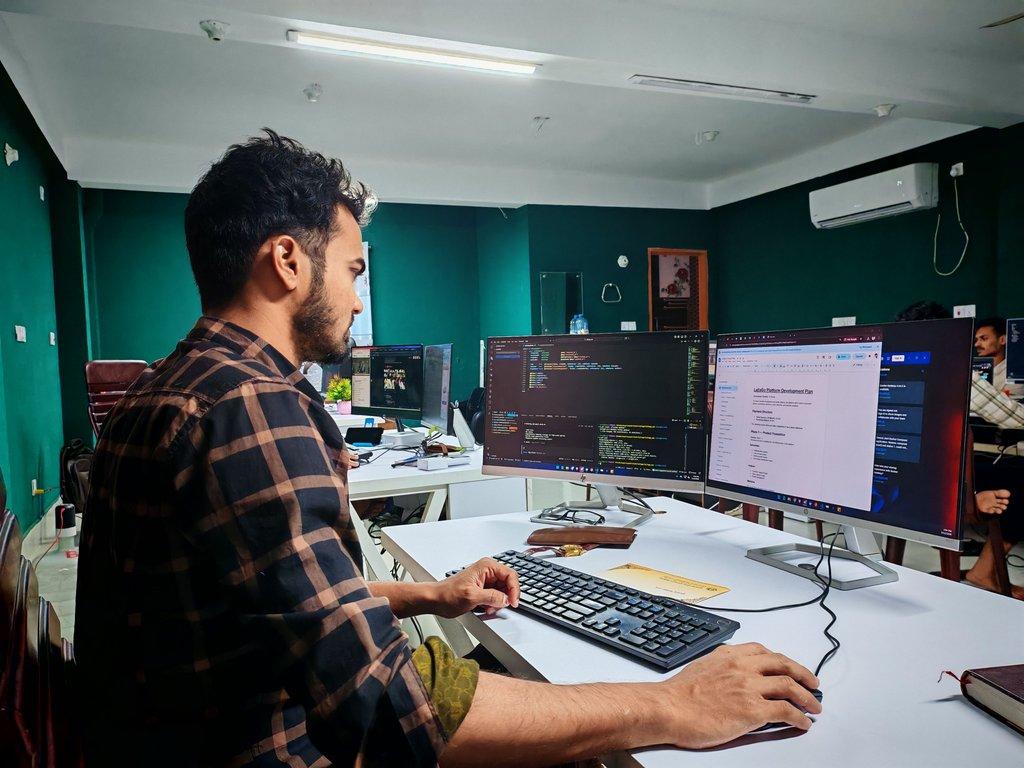
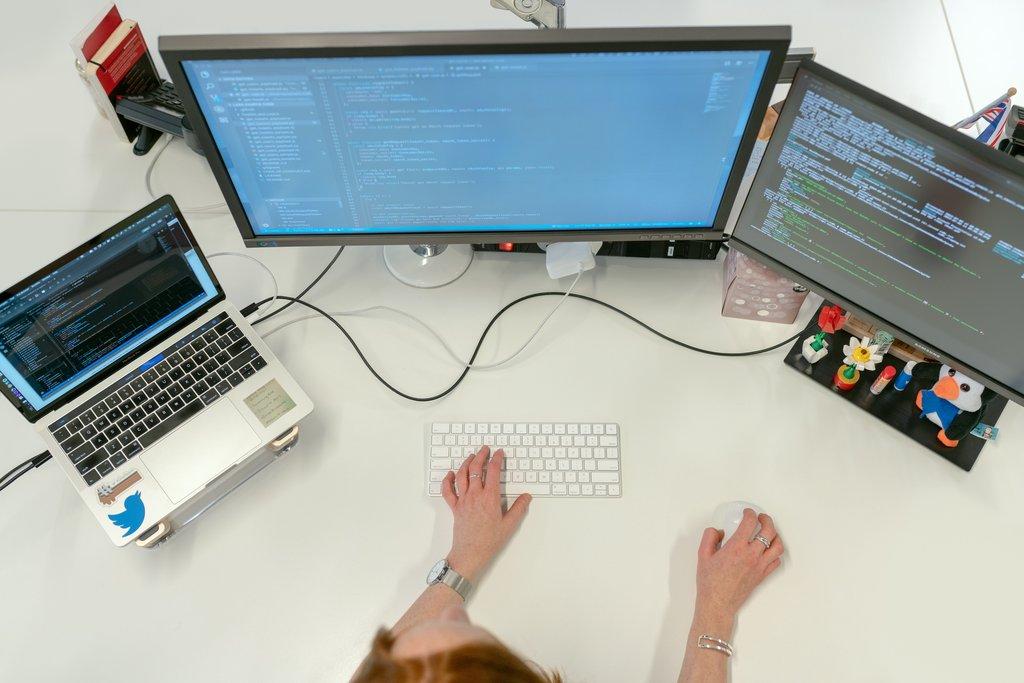
Cascadia engineer working across dual monitors.

Coverage you can count on

What makes our automation support different

Plenty of firms will build you an automation. Far fewer will take responsibility for one they did not write. We read the workflow first, document what it does, then put it under monitoring with repairs included. Inherited scripts, half finished Zoho Flows, and Frappe server scripts nobody remembers writing all become somebody's job again. Ours. You stop finding out about failures from a customer.

Why coverage beats hoping

Managed automation maintenance vs fixing it yourself

Most teams handle a broken automation reactively. Somebody notices, somebody digs in, and a day disappears. Managed coverage moves that work off your desk and ahead of the failure. Here is how the two approaches compare when a platform changes underneath your workflows.

Failures found before customers

We alert on failed and missing runs the same day they happen. Handled in house, a silent workflow usually surfaces when somebody downstream complains, which is days later and considerably more expensive to put right.

Deprecations handled on schedule

We read platform release notes against your workflow inventory and plan the fix in advance. Without that, an API version sunset arrives as an outage, and the work happens under pressure with no test window available.

Someone has read your scripts

We document every workflow we adopt, so any engineer here can pick it up cold. Internally that knowledge usually sits with one person, and it leaves when they do, which turns a small fix into an archaeology project.

Repairs at a flat cost

Coverage includes unlimited repairs on the workflows we manage. Paying a contractor by the hour to fix an automation they did not build makes the bill unpredictable and the urgency somebody else's problem entirely.

Changes tested before release

We keep a sandbox and retest your workflows against platform updates first. A do it yourself fix gets tested in production because there is nowhere else to run it, which means your live records are the test data.

One monthly picture of everything

The monthly summary puts every covered workflow in one place. Without it, nobody knows how much manual rescue work your automations quietly need, so the case for fixing the root cause never gets made.

Who this is for

Who needs automation maintenance most

Coverage pays for itself fastest where automations are already load bearing and nobody owns them. If your Zoho or Frappe setup was built by a contractor, an ex employee, or by you in a hurry, and it now runs work you would notice stopping, this is the situation it was built for.

How coverage starts

How our automation maintenance process works

Adoption starts with reading what you already have, because we will not agree to maintain something nobody has looked at. From there it is inventory, monitoring, then a steady rhythm of repairs and reporting. You approve the inventory and the scope before coverage begins.

1

We audit and inventory what you run

We go through your Zoho and Frappe environments and list every automation we can find, including the ones that have been failing quietly. Each gets documented: what triggers it, what it writes, and what breaks if it stops. You get that inventory in writing, and we agree together which workflows go under coverage before anything is committed.

2

We put it under monitoring

Covered workflows get run tracking, failure alerting, and missing run detection, so a workflow that stops firing raises a flag the same day rather than next quarter. We also map each one against the Zoho and Frappe release channels we follow, which is how an announced deprecation becomes a planned task rather than an emergency.

3

We repair, adapt, and report

When something breaks we fix it, and that is included rather than billed. If a platform ships a change that affects you, the fix gets built and tested in a sandbox before it touches live records. Each month closes with a plain summary of the period, including anything we think is worth rebuilding rather than patching again.

What coverage costs

Pricing

Automation Maintenance
Standard

Monthly Subscription

$250.00
/per month
Monitoring and repairs included

DETAILS

Coverage for one platform, either Zoho or Frappe, with up to ten automations under management. Includes the onboarding audit and written inventory, run monitoring with failure and missing run alerts, unlimited repairs on covered workflows, API deprecation tracking, and a monthly report. Suited to teams whose automations are built and simply need somebody responsible for keeping them alive.

Automation Maintenance
Plus

Monthly Subscription

$650.00
/per month
Both platforms covered

DETAILS

Coverage across both Zoho and Frappe, with up to thirty automations under management. Adds round the clock alerting, priority response when a covered workflow fails, sandbox retesting ahead of platform releases, and a quarterly review where we recommend what to consolidate or rebuild. Suited to businesses whose automations now run revenue critical work.

Testimonials

Here's what others had to say

Everything included

Everything included in automation maintenance coverage

Cascadia Web Services logo

Run Monitoring on Every Workflow

Every covered automation is checked on its own schedule. We record each run, its result, and how long it took, so a slow degradation shows up as a trend rather than a surprise.
Cascadia Web Services logo

Missing Run Detection

A workflow that stops firing raises no error at all, it simply goes quiet. We alert on absence as well as failure, which is how silent breakage gets caught in days instead of months.
Cascadia Web Services logo

Same Day Failure Alerting

When a covered workflow errors, an alert reaches us with the run log attached. You hear from us with the cause and the fix, not a ticket asking you to describe the problem.
Cascadia Web Services logo

API Deprecation Tracking

We follow the Zoho and Frappe release channels and match announced changes against your workflow inventory, so a sunsetting endpoint becomes scheduled work instead of an outage.
Cascadia Web Services logo

Credential and Token Expiry Watch

Expired tokens and rotated keys are one of the most common causes of a dead automation. We track expiry on the connections your workflows depend on and renew them before they lapse.
Cascadia Web Services logo

Unlimited Repairs on Covered Workflows

If an automation under coverage breaks, fixing it is included. No ticket counting, no hourly billing, and no argument about whether the platform changed or the script was always fragile.
Cascadia Web Services logo

Root Cause Written Up

Every repair comes with a short note on what actually failed and why. Over a few months that record tells you which workflows are worth rebuilding instead of patching again.
Cascadia Web Services logo

Sandbox Testing Before Live Changes

Fixes and adaptations get built and tested against test records first. Your live data is not the test environment, even when the change looks trivial.
Cascadia Web Services logo

Rollback on Partial Writes

Where the platform allows it, we make covered workflows fail loudly and roll back half finished writes rather than leaving records in a state nobody can reconcile.
Cascadia Web Services logo

Zoho Coverage

Workflow rules, Flows, custom functions, Deluge scripts, schedules, and connections across Zoho CRM, Books, Desk, and the wider suite. We administer Zoho daily, so diagnosis does not start from scratch.
Cascadia Web Services logo

Frappe and ERPNext Coverage

Server scripts, client scripts, scheduled jobs, webhooks, and custom apps on Frappe and ERPNext, including the ones a bench update tends to disturb.
Cascadia Web Services logo

Automations We Did Not Build

Inherited work is the normal case here, not an exception. If a contractor, an ex employee, or you built it, we read it, document it, and take it on once we know what it does.
Cascadia Web Services logo

Cross Platform Handoffs

Where a process starts in Zoho and finishes in ERPNext, the handoff between them is covered too. The gap between two systems is where most failures actually live.
Cascadia Web Services logo

Onboarding Audit and Inventory

Coverage starts with reading what you have. We list every automation we can find, document its trigger and its writes, and agree with you which ones go under management.
Cascadia Web Services logo

Written Documentation You Keep

Each covered workflow gets a plain description of what it does and what depends on it. That documentation is yours whether or not you stay with us.
Cascadia Web Services logo

Scoped Access You Control

We work inside your accounts with permissions you grant and can revoke in a minute. Your API credentials and model keys stay yours, and no traffic passes through hardware or accounts we control.
Cascadia Web Services logo

Monthly Coverage Report

One plain summary each month: what ran, what failed, what we repaired, and what changed on the platforms you depend on. No dashboard to log into.
Cascadia Web Services logo

Rebuild Recommendations

Some automations cost more to keep alive than to replace. We tell you which ones those are, with the repair history to back it up, instead of quietly billing maintenance forever.

Answers to the questions we get asked most

Frequently asked questions
What are automation maintenance services?
They are ongoing coverage for automations you already run. Instead of paying for a build, you pay a flat monthly rate for somebody to monitor your existing workflows, alert on failures, repair what breaks, and keep everything working as the platforms underneath change. Our automation maintenance services cover Zoho and Frappe, including ERPNext, and they include automations we did not build ourselves.
Will you maintain automations somebody else built?
Yes, and that is the usual case. We start by reading what exists, documenting what each workflow triggers on and what it writes, then telling you honestly what we found. Once you agree the inventory, those workflows go under coverage exactly like anything we built. None of that makes a workflow unsupportable, it just means somebody has to read it before we agree to anything.
What happens if a workflow breaks?
You usually hear from us before you notice. Covered workflows are monitored for failed and missing runs, so an alert reaches us with the log attached. We diagnose it, fix it, test the fix against test records, and tell you what failed and why. Repairs on covered workflows are part of the subscription rather than billed by the hour.
Which platforms do you cover?
Zoho and Frappe, which includes ERPNext. We are a partner in both and administer them every day, so we already understand permissions, custom fields, and naming conventions before a diagnosis starts. If your process crosses between the two, the handoff is covered as well. Automations on other platforms are handled by our automation design service instead.
Do I need the audit before coverage starts?
Yes. We will not agree to maintain something nobody has read, because that is how a small subscription turns into an open ended liability for both of us. The audit produces a written inventory of every automation we can find, including any that have been failing quietly, and you keep that document regardless of what you decide next.
How many automations does coverage include?
The Standard tier covers up to ten automations on one platform. Plus covers up to thirty across both Zoho and Frappe. If your inventory comes in above that, we will tell you during the audit and quote accordingly rather than discovering it three months later. Counting is by workflow, not by step, so a long automation still counts as one.
What counts as one automation?
One triggered process, however many steps it contains. A Zoho Flow with fifteen actions counts once. A server script and the scheduled job that calls it usually count as one covered process too, since they fail together. We agree the count with you during the audit, so there is no argument about it later on.
Is monitoring the same as uptime monitoring?
No. Uptime monitoring tells you a site responded. This watches whether your business logic actually ran and finished correctly. A workflow can sit inside a perfectly healthy Zoho account and still have stopped firing three weeks ago. We alert on missing runs specifically, because absence is the failure mode nobody catches on their own.
Do you keep my API keys?
No. You hold your own credentials and model keys, and we work inside your accounts with scoped access you grant and can revoke at any time. Nothing routes through infrastructure we own, so there is no lock in and no ambiguity about where your data went. Where an automation calls a paid AI model, that spend stays on your account.
What is not included?
Building new automations is a separate service, as are large rewrites of something we have recommended replacing. Coverage does not include platform subscriptions, licence fees, or AI model usage on your own account. If a repair turns out to be a rebuild, we say so and quote it rather than absorbing it quietly and slowing everything else down.
How do you handle a Zoho or Frappe update that breaks things?
We follow both release channels and match announced changes against your inventory, so most breaking changes are known before they land. The fix gets built and tested in a sandbox against test records, then applied. When a change arrives with no notice, which does happen, it becomes a repair and is covered at no extra cost.
Can you take over from our previous developer?
Yes. That handover is a normal part of onboarding. We do not need the previous developer's cooperation, only access to the environment, though a short conversation with them shortens the audit. We document what we find and flag anything fragile, so you know what you inherited. Access can be scoped and revoked whenever you want.
How long is the commitment?
Coverage is monthly and you can stop at the end of any month. We keep it that way because a maintenance contract that traps you removes our incentive to keep the automations healthy. The documentation from the audit is yours to take with you, which makes moving to another provider straightforward if you ever choose to.
What reporting do I get?
A plain monthly summary of what ran, what failed, what we repaired, and any platform changes that affected you. Plus adds a quarterly review where we walk through the repair history and recommend what to consolidate or rebuild. Neither one requires you to log into a dashboard to find out how things are going.
Can you maintain automations and build new ones?
Yes, though they are priced separately. Coverage keeps what exists running, and our automation design service handles new builds and larger rewrites. Most clients start with coverage on what they already have, then add build work once the inventory is documented and the obvious failures are fixed. Existing coverage makes new work cheaper.
​Contact

Ask Us Anything

We’d love to hear from you!