On Page Navigation

WordPress Development Services for Custom Builds Integrations Support

Some jobs are past what a plugin can do. That is the work we take: custom functionality, theme and Gutenberg builds, API and CRM integrations, WooCommerce customization, troubleshooting, and site migrations. Every piece of it gets scoped first, then built and tested in staging, and only then goes near your live site. When it ships, we are still here.

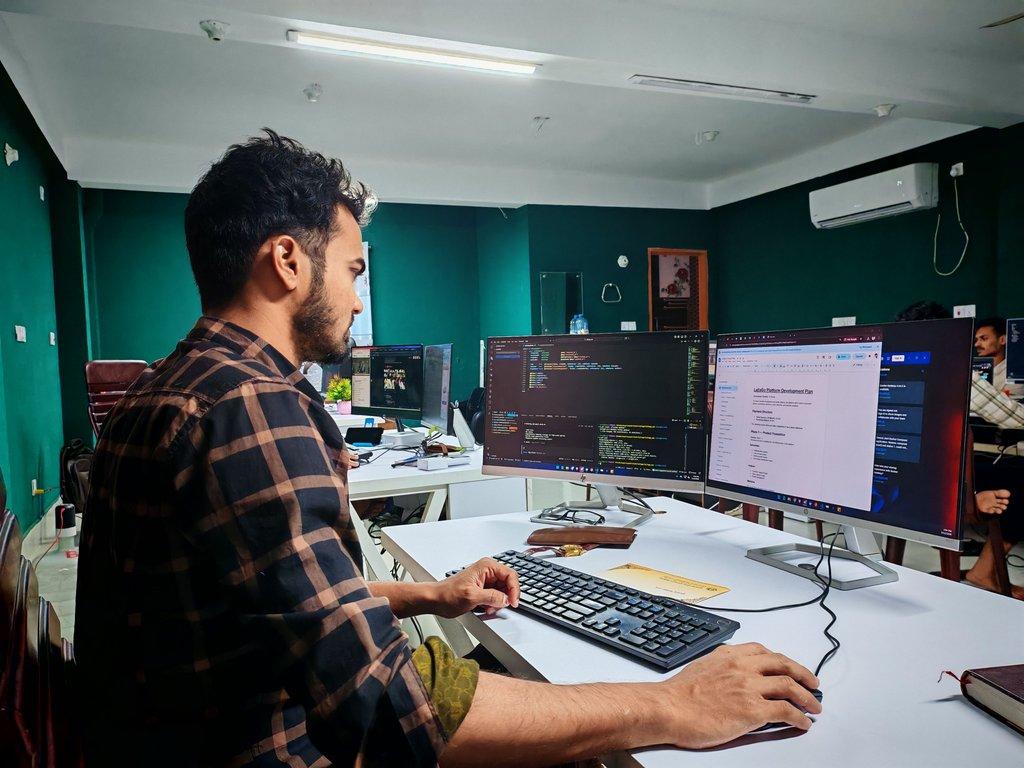
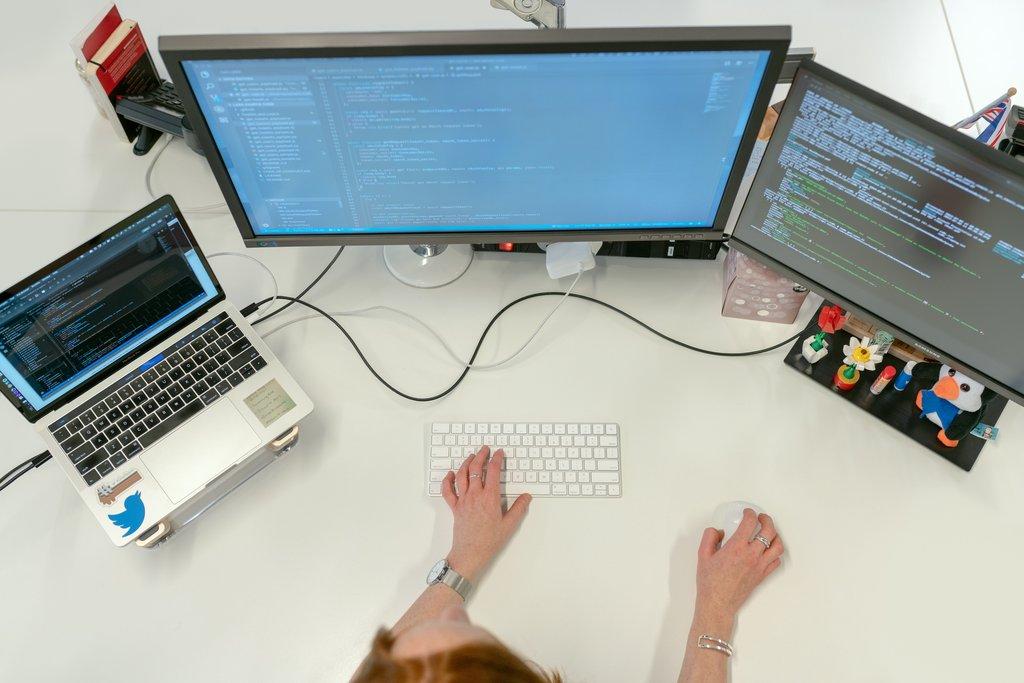
Cascadia engineer writing WordPress code across dual monitors.

Custom builds, done the careful way

What makes our custom WordPress development different

Installing a plugin and calling it custom development is common enough. We would rather build the thing properly, wired into your install cleanly, made to survive updates, and shaped around how the site will need to behave a year out. Those choices take more thought up front. That is exactly why they get skipped.

Why teams hire a build partner

A managed development partner vs a typical freelancer

Getting a feature live is the easy part, and a freelancer or a plugin can usually manage it. The harder part is the edge cases, and having someone answer the phone when that feature needs adjusting six months later. Here is how a one-off setup compares to a partner who owns the result.

Custom work vs add-on plugins

When nothing off the shelf does the job, the usual answer is to bolt on one more plugin and hope. A purpose-built extension is the other route: the functionality goes into your existing install, wired in so nothing else breaks. You carry only what you asked for.

Conflicts traced to the root cause

Generic support guesses when two plugins fight or a white screen takes the site down. Guessing is not a method. The conflict gets isolated, the error traced to its root cause in the code, and that is what gets fixed, so the site runs clean again rather than limping along behind a workaround.

Checkout built around your store

Default WooCommerce and a stock gateway only go so far. We configure the gateways and build custom cart, shipping, and pricing logic for the edge cases off-the-shelf settings can't reach. Customers pay smoothly. The money lands exactly where it should.

WordPress connected to your tools

Most developers leave WordPress sitting on its own island. API and CRM integrations end that, wiring your site into Zoho and whatever else you already run. Leads, contacts, and records then sync on their own instead of by copy-paste.

Migrations that protect your SEO

Platform moves are where data quietly goes missing and rankings drop. Careful migration and structured content import are the difference, and URLs, formatting, and SEO value all come through the move intact. The switch doesn't cost you the traffic and authority you already earned.

Support from actual people

One-off contractors disappear once the invoice clears. The monthly subscription keeps development on tap for a quick fix or a single feature, handled by a team that already knows your site and its plugin history.

Built for sites that need more

Who these builds fit best

Custom work pays off once the site has outgrown what plugins and templates can do, or once it has to talk to the rest of your operation. If a well-supported plugin already does the job, use it. Development is for the point where that stops being true. If you're working around the same limitation every week, or moving data between systems by hand, a build partner tends to remove that friction for good.


Businesses outgrowing off-the-shelf plugins

If you've reached the point where each new plugin creates more problems than it solves, building the thing properly is usually cheaper than stacking one more. The functionality your business needs goes into your existing install instead, and the site does what you require without the bloat and conflicts that come with patched-together free tools.

WooCommerce stores with non-standard logic

Online stores rarely sell the way default WooCommerce assumes they will. Custom cart and checkout logic, subscriptions, memberships, and gated content bring the store back in line with how you actually sell. When the site is the revenue, a checkout that matches your real model protects both conversions and the daily operations behind them.

Agencies and design studios needing a build partner

Studios and agencies that need clean execution can hand the build over. Figma files become pixel-accurate pages, the work runs white-label, and you add capacity under your own brand. Portfolio work, including multisite networks, runs through one accountable process rather than a rotating cast of freelancers.

Operations teams connecting WordPress to their stack

When the site has to talk to a CRM, a payment system, or AI tooling, integration work has to be a real job for someone rather than an afterthought. WordPress gets connected to Zoho, to external APIs, and to AI agents through controlled access, and the data then moves on its own. It's the part a lean team feels most, because nobody there has spare hours for manual re-entry.

Content team publishing articles on a WordPress blog.
Online store owner managing WooCommerce orders on a laptop.
Agency team managing multiple WordPress sites across screens.
Small business owner using a computer at the counter of their shop.

How we work with you

How our WordPress development process works

Whether it's a one-hour fix or a months-long build, the rhythm holds: work out what you actually need, build and test it somewhere safe, then deploy carefully and stay reachable afterward. On the bigger jobs that sequence is what keeps a project from drifting off course or taking the live site down with it.

1

Scoping the work and confirming feasibility

Every engagement starts with a technical consultation. We learn what you're trying to accomplish, assess whether it's feasible in WordPress, and recommend the cleanest approach before any code is written. Bigger builds are where the bad assumptions surface, and this is the point at which they still cost an hour of talking rather than a week of rework. You start with a plan instead of a guess.

2

The build and the testing happen somewhere safe

Your plugin, theme, integration, or fix gets built in a staging environment, never on the live site. New functionality is wired into a copy of your install and tested against the real plugins and theme you run, before anything touches production. You see the work, approve it, and nothing goes live until it's confirmed to behave the way it should, so there are no surprise outages on the day it ships.

3

Deploy, document, and stay reachable

Once you approve, we deploy carefully and document what changed so your team isn't left guessing later. After that you can come back for one-off tweaks, or pair the build with a maintenance plan so updates, backups, and monitoring keep the new work healthy. Either way, the site you paid to build stays the site you have.

Transparent pricing, both ways we work

Pricing

Managed WordPress
Development

Standalone Service

$300.00
/per month, per website
5 hours of work included

DETAILS

A monthly development subscription for teams that always have something on the list. Each month includes up to 5 hours of development work, whether that is a custom build, an integration, troubleshooting, or a quick fix, handled by a team that already knows your site. Hours don't roll over, and work beyond five is billed at our standard rate.

Managed WordPress
Development - Projects

Standalone Service

$1,000.00
Minimum project amount
One-time cost

DETAILS

For larger, scoped work that doesn't fit a monthly subscription, we take on projects starting at $1,000. That covers full custom plugins, WooCommerce builds, Figma-to-WordPress pages, and site migrations. Tell us what you need and we'll scope it, confirm feasibility, and send a fixed quote before anything starts, no open-ended hours.

Testimonials

Here's what others had to say

Every service we develop

Everything we build, fix, and connect

This is the icon that represents WordPress updates.Cascadia Web Services logo

Custom Plugin Development

Sometimes nothing on the shelf does the job. We build a purpose-built extension around the exact functionality you need, which keeps your site free of features you will never use.
This is the icon that represents WordPress updates.Cascadia Web Services logo

Custom Theme & Child Theme Work

Custom themes and child themes let you have the design you want without giving up safe updates. Your styling survives core, plugin, and theme updates instead of being overwritten by the next one.
This is the icon that represents WordPress updates.Cascadia Web Services logo

Gutenberg Block Development

Custom Gutenberg blocks hand layout control to your team without anyone touching code. Editors build and rearrange page sections inside the WordPress editor, which keeps content updates fast and self-service.
This is the icon that represents WordPress updates.Cascadia Web Services logo

Custom Post Types & Fields

Not all content fits a standard post or page. Registering custom post types and fields with ACF gives that data a clean, manageable home in WordPress.
This is the icon that represents WordPress updates.Cascadia Web Services logo

Custom Functionality Builds

Have a feature in mind that your site cannot do yet? We build it into your existing WordPress install and wire it in cleanly, so nothing else breaks in the process.
This is the icon that represents WordPress updates.Cascadia Web Services logo

Third-Party API Integration

Your business runs on tools that live outside WordPress. We build reliable links to those external services, and data moves between them automatically rather than by manual copy-paste.
This is the icon that represents WordPress updates.Cascadia Web Services logo

CRM & Business Tool Integration

Entering the same record in two places is wasted time. WordPress gets wired into Zoho and whatever else you already use, so leads, contacts, and records sync where your team works.
This is the icon that represents WordPress updates.Cascadia Web Services logo

Payment & Checkout Integration

Take payments the way your business actually operates. We configure the gateways and build custom checkout flows, so customers pay smoothly and the money lands where it should without workarounds.
This is the icon that represents WordPress updates.Cascadia Web Services logo

AI & MCP Integration

AI agents can read and act on your WordPress site safely when the access is structured. We connect your install through an MCP connector, which opens that controlled access to the automation tools you choose.
This is the icon that represents WordPress updates.Cascadia Web Services logo

WooCommerce Store Customization

Default WooCommerce only goes so far. We change how your store behaves, adjusting pricing rules, product display, and order handling until the shopping experience fits how you actually sell.
This is the icon that represents WordPress updates.Cascadia Web Services logo

Custom Cart & Checkout Logic

Standard cart behavior does not suit every store. Tailored cart, shipping, and pricing logic in WooCommerce handles the edge cases that off-the-shelf settings cannot reach.
This is the icon that represents WordPress updates.Cascadia Web Services logo

Subscription & Membership Setup

Some businesses sell access rather than products. We set up recurring subscriptions and gated membership areas in WooCommerce, where customers pay on schedule and see only what their plan unlocks.
This is the icon that represents WordPress updates.Cascadia Web Services logo

Plugin Conflict Resolution

When two plugins fight, your site pays for it. We isolate the conflict, work out which plugin or theme is at fault, and fix it. Your site runs clean again.
This is the icon that represents WordPress updates.Cascadia Web Services logo

Error & White Screen Debugging

A blank white screen or a fatal error takes a site down instantly. We trace the problem to its root cause in the code, then put the site back into working order.
This is the icon that represents WordPress updates.Cascadia Web Services logo

Theme & Layout Fixes

Broken styling and misaligned layouts make a site look unfinished. We fix display bugs, responsive issues, and theme glitches until every page renders correctly on phones, tablets, and desktops.
This is the icon that represents WordPress updates.Cascadia Web Services logo

Landing Page & Template Builds

Need a page built right the first time? Landing pages and reusable templates get built to your spec and to your brand, and they are structured so your team can update them later.
This is the icon that represents WordPress updates.Cascadia Web Services logo

Figma to WordPress Builds

Hand off your design and get a working site back. We turn Figma files and mockups into pixel-accurate WordPress pages. What you approved is what goes live.
This is the icon that represents WordPress updates.Cascadia Web Services logo

Site & Content Migration

Moving to WordPress or on to a new platform should not cost you data. We migrate the site and import structured content carefully, keeping URLs, formatting, and SEO value intact through the move.
This is the icon that represents WordPress updates.Cascadia Web Services logo

Subscription Development Support

A monthly subscription keeps development on tap: up to 5 hours each month for quick fixes, small tweaks, and single features, handled by a team that already knows your site. Anything larger and scoped runs as a fixed-quote project instead.
This is the icon that represents WordPress updates.Cascadia Web Services logo

WordPress Technical Consultation

Before you spend hours building, find out whether it is the right move. We scope the idea, assess feasibility, and recommend an approach, which keeps development time pointed at something that will actually work.

Answers to the questions we get asked most

Frequently asked questions
What is WordPress development?
It is the work of building and customizing what WordPress can do beyond its default settings: custom plugins, themes, and Gutenberg blocks, integrations with outside tools, WooCommerce customization, and fixes at the code level. The line to watch is between configuring features that already exist and creating new ones. When your site needs to do something the standard install and free plugins cannot, you have crossed from setup into development.
What's included in your WordPress development services?
Custom plugin and functionality builds, custom theme and child theme work, Gutenberg blocks, custom post types and fields, third-party API and CRM integrations, WooCommerce customization, plugin conflict and error troubleshooting, landing page and Figma-to-WordPress builds, and full site migrations. Technical consultation is available as well. The work reaches you one of two ways: a monthly development subscription, which suits ongoing small to medium tasks, or a fixed-quote project for larger builds.
Can you build a custom WordPress plugin for my site?
That is one of the most common things we get asked for. When no off-the-shelf option does what you need, we build the exact functionality into a purpose-built extension tailored to your site, with none of the bloat you would never use. It gets wired into your existing install cleanly so nothing else breaks, and it is tested in staging before it goes near your live site. You end up with the capability you asked for and nothing you did not.
Do you fix plugin conflicts and white screen errors?
We do. When two plugins fight, or a fatal error or blank white screen takes the site down, the first job is isolating the conflict and working out which plugin or theme is at fault. White screens and fatal errors get traced to their root cause in the code rather than guessed at. Once it is resolved we restore the site to working order and confirm it is stable.
Can you customize WooCommerce checkout and subscriptions?
Both, yes. Default WooCommerce only goes so far, so we change how the store behaves across pricing rules, product display, and order handling, and build tailored cart, shipping, and pricing logic for the edge cases off-the-shelf settings cannot reach. Recurring subscriptions and gated membership areas are part of the same work: customers pay on schedule and see only what their plan unlocks. The store ends up matching how you actually sell.
Can you integrate WordPress with my CRM or other business tools?
That is what the integration work is for. We build reliable links between WordPress and the external services your business runs on, so data moves automatically instead of by copy-paste. Zoho is a common one, and once it is wired in, leads, contacts, and records sync where your team works. Payment gateways connect the same way, and if you want AI tools involved, an MCP connector gives the automation tools you choose controlled access to read and act on your site.
Will my custom design survive WordPress updates?
It will, when it is built correctly. Custom themes and child themes exist precisely so your styling and layout survive every core, plugin, and theme update down the road. Cheaper builds tend to write customizations into places an update overwrites, which is why they quietly break later. Building update-safe from the start takes a little more thought up front and saves you that.
Can you turn a Figma design into a WordPress site?
Hand off your Figma files or mockups and we turn them into pixel-accurate WordPress pages, so what you approved in design is what goes live. Reusable landing page and section templates get built to your spec at the same time, structured so your team can update them later without a developer. It is a clean handoff. You design and approve, we build to match, and the result does not drift from the comp.
Do you migrate sites to WordPress without losing SEO?
Moving to WordPress or on to a new platform should not cost you data or rankings, and it does not have to. We migrate the site and import structured content carefully, keeping URLs, formatting, and SEO value intact. Migrations are where careless work quietly costs traffic, so redirects are planned in advance and content is verified after the switch. The new site keeps the authority the old one earned rather than starting over.
How is a WordPress development company different from using DIY plugins?
DIY plugins give you a feature. A development company gives you a solution built for your situation. Free and stacked plugins add bloat, conflict with one another, and rarely cover the edge cases your business actually hits. A development partner scopes the need, builds only what is required into your install cleanly, tests before launch, and stays accountable when something needs adjusting. You trade a pile of plugins for one purpose-built result.
How do I choose the best WordPress development company?
Look for a partner who scopes feasibility before building, works in a staging environment rather than on your live site, and is still around after launch. The right one for you builds update-safe, documents what it changes, and understands your business goals rather than only the code. Ask how they handle conflicts, migrations, and ongoing support. The answers tell you quickly whether you are hiring a one-off contractor or a long-term build partner.
Can I outsource ongoing WordPress development to your team?
Plenty of clients do, especially lean teams with no developer on staff. A monthly subscription covers ongoing small to medium work, meaning a quick fix, a tweak, or a single feature, handled by a partner that already knows your site and your plugins. Larger builds go through project pricing. You bring the work as it comes up.
Do you handle headless or enterprise WordPress development?
We take on the larger and less conventional builds too. Headless setups use WordPress as a content backend; enterprise work usually means multisite networks, custom integrations, and structured content models. The process does not change: scope feasibility first, build and test in staging, then deploy and document. Tell us what you are trying to accomplish and we will say whether a standard, multisite, or headless approach fits best.
How does your development pricing work?
There are two options. The monthly subscription includes up to 5 hours of development work each month for a flat fee, covering custom builds, integrations, troubleshooting, or fixes; unused hours do not roll over, and anything past that is billed at our standard rate. Larger scoped work runs as a project starting at $1,000, with a fixed quote agreed before anything begins. Neither route involves open-ended hourly billing.
When should I switch from a freelancer or DIY to a managed development partner?
Usually when you notice you are fixing the same breakages, working around plugin limits, or losing time copying data between systems. A freelancer disappears after the invoice and DIY tools leave gaps. A managed partner gives you a team that knows your site, builds update-safe, and is reachable when something needs a decision. If your site drives real revenue or real operations, that continuity is worth more than a cheaper one-off fix.
​Contact

Ask Us Anything

We’d love to hear from you!